Chat
Set a new task, add materials or continue work on a draft. Your colleague has the context of the conversation.
How it works
One AI colleague you can tell what you need. It works with your materials and connected tools. You set the priorities and approve the results. We handle setup and look after the quality.
post.work in action
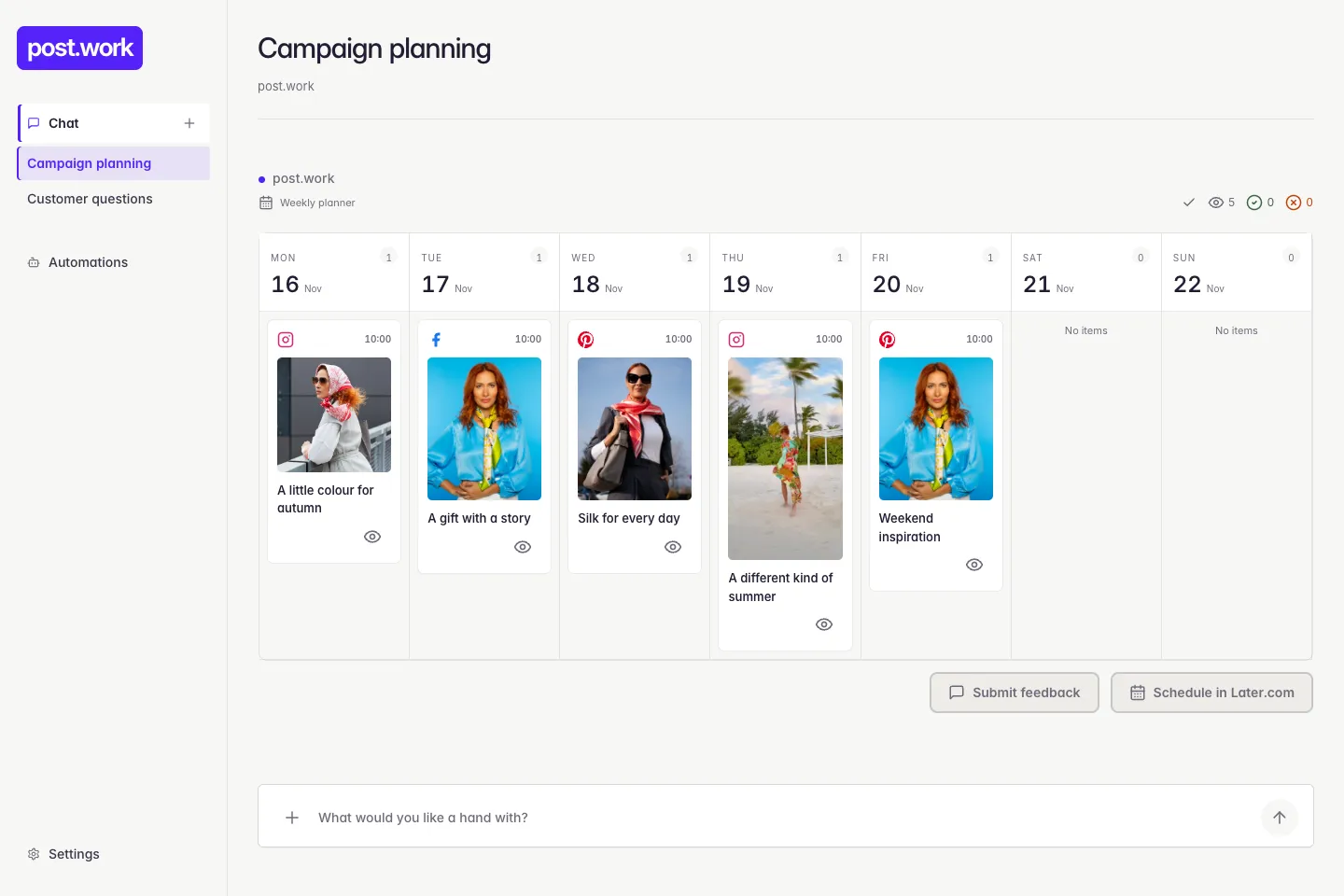
Here is how the connections shown in our examples fit together.
What needs to be done, which materials to use and what result you expect.
↑ Drafts, feedback and approvalYour AI colleague
Materials from your shop for the content we prepare.
Newsletter drafts in the tool you already use.
Your existing post schedule and preparation of new content.
We look after what makes it work. We configure access, workflows and working rules. We handle operation and improve the results based on your feedback.
From request to finished draft
The homepage shows a simplified illustration. Here is the full workflow and what each part means.




We shape the workflow around the task and the decisions you want to keep.
Set a new task, add materials or continue work on a draft. Your colleague has the context of the conversation.
For recurring work, we agree on the workflow, timing and approval rules. You can turn the configured automations on and off in post.work.
We show you tasks your colleague can help with in your shop, along with example requests to get you started.
We connect the agreed accounts and tools needed for the work. Passwords are kept out of chat. Beforehand, we establish which results you want to review and which actions your colleague can perform within the agreed scope.
You set the priorities. We keep the work moving.
We look at your tasks, tools and the things you keep putting off. Together, we choose where to start.
We configure post.work for your processes, connect the tools it needs and check the first results with you.
You communicate with your colleague through chat. We look after operation, ongoing adjustments and the quality of its work.
30 minutes · Free
We will look at what takes up most of your team’s time and choose the first tasks for post.work. Just bring whatever you are working on.
Book a free consultation Or email matej@post.work